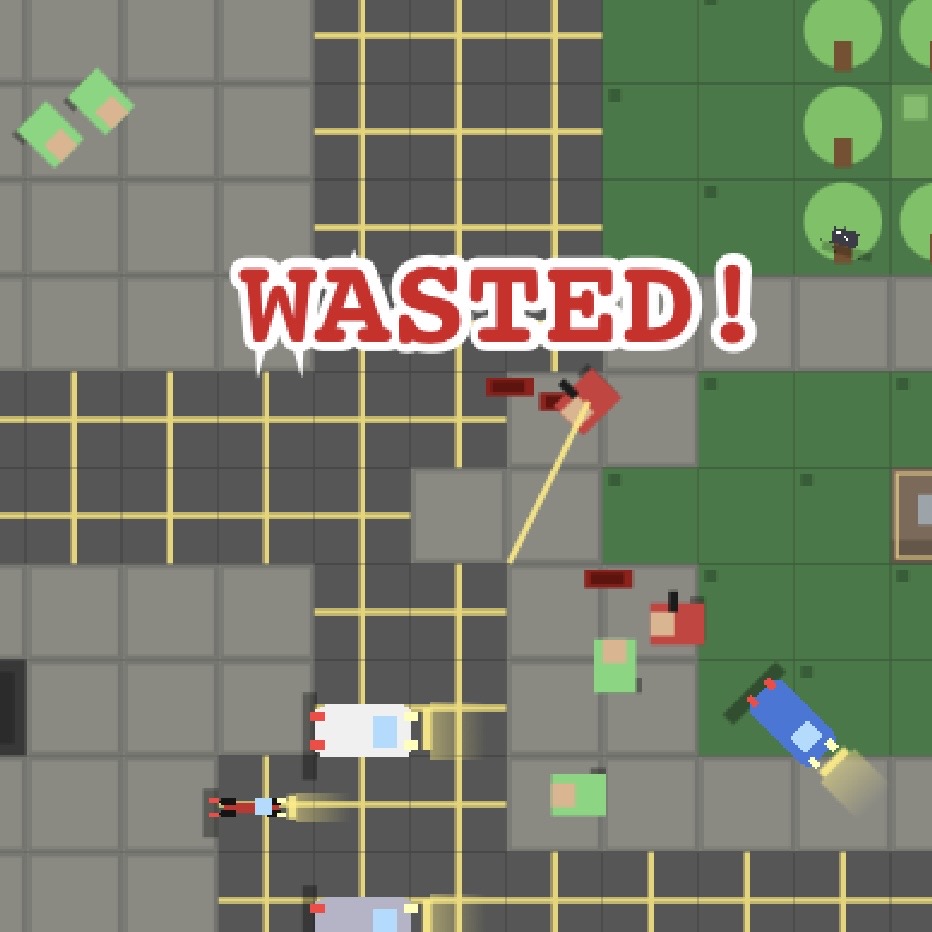
🕹 Project
GPT-GTA
A small browser GTA-style prototype. Download the ZIP, upload it to an LLM, and ask it to inspect the code and continue development.
HTMLs and ZIPs you can upload to ChatGPT, Claude, Grok, Gemini, or any LLM and continue building.
AI Project Files are portable project artifacts made through AI/LLM iteration. They can be simple standalone HTML files or full ZIP packages with code, JSON, assets, notes, and state. The point is simple: download the project, upload it into your own LLM, and continue from the current state.
A small browser GTA-style prototype. Download the ZIP, upload it to an LLM, and ask it to inspect the code and continue development.
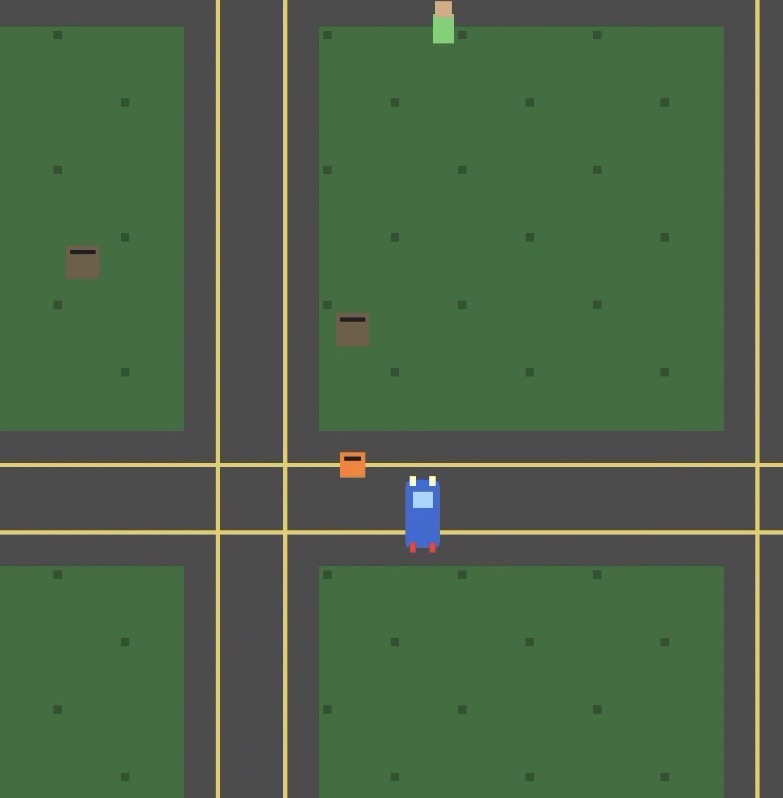
Playable asset editor and mapmaker package. Upload the ZIP to an LLM and continue the editor, assets, map logic, or UI.
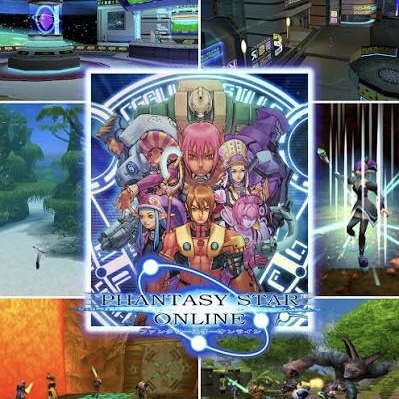
A Phantasy Star Online drop database and strategy layer. Upload the package to an LLM and continue the tool, data layer, or route logic.
I uploaded an AI Project File. Read the file structure and contents, infer what the project does, summarize its current state, then help me continue building from here.